
PanelWave Blog
Tutorials, creator spotlights, product updates, and insights into interactive graphic storytelling.
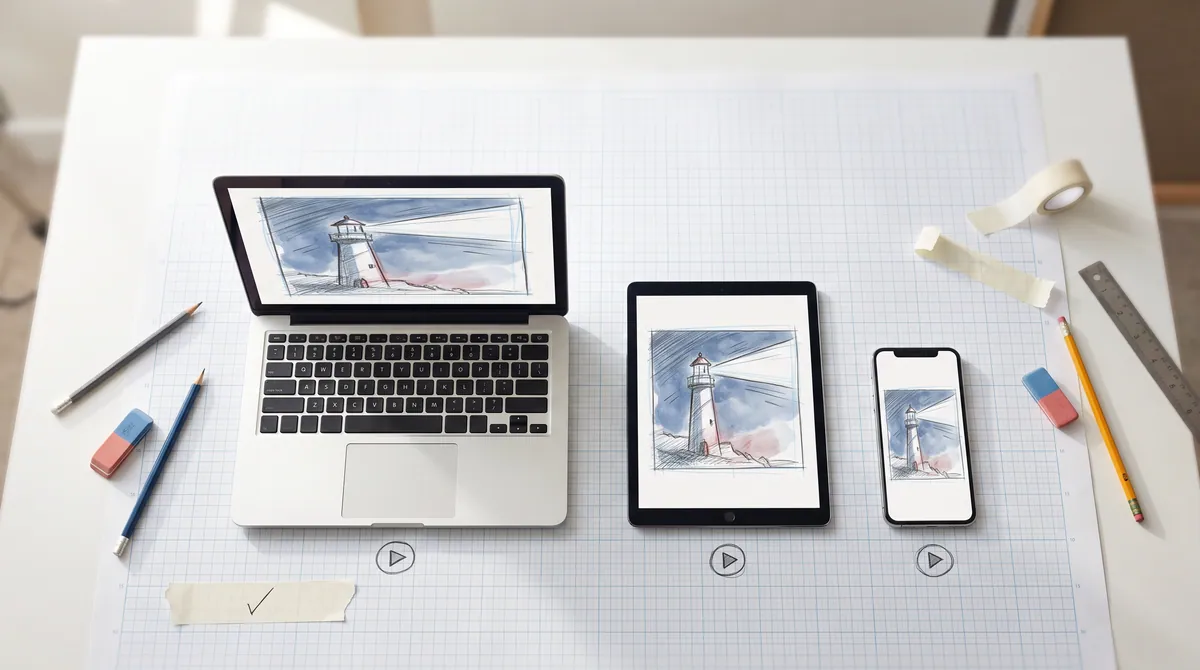
The PanelWave Player is Out
The MIT-licensed Angular player is on npm: graph navigation with real state, three view modes including the infinite canvas, video panels, the ComicBalloon renderer, live hotspots and variants, paywall rules with an age gate, consent-aware tracking, and a plugin sandbox. Here is what is in it, how to embed it, and what is still open.
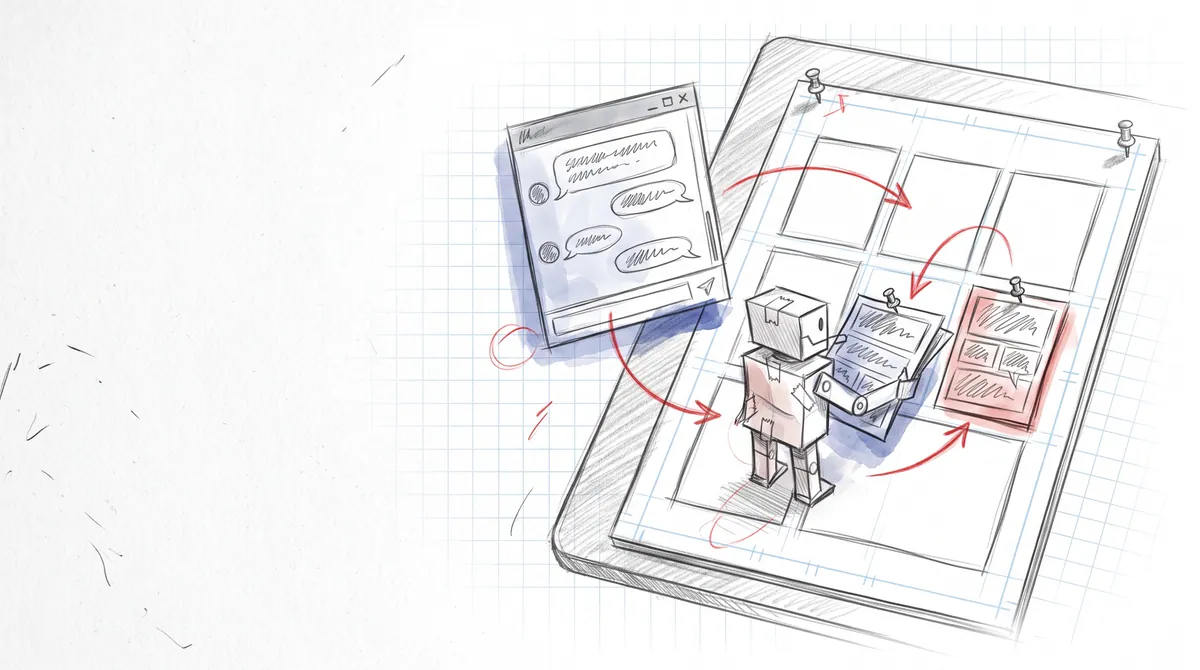
PanelWave Now Works With Your AI Assistant
PanelWave has an MCP server. Connect Claude, ChatGPT, Cursor or any other MCP client and let it turn a script into a work, attach your artwork, letter panels, translate, check and publish — as you, with only the permissions you grant.

Summer 2026 in the Studio: AI Importers, Video Panels, and the Work Archive
Four months of shipping: import a screenplay or finished pages with AI, video panels, comic balloons with a style cascade, a localization workshop that round-trips, reading-funnel analytics with click heatmaps, Stripe payouts, and portable work archives on schema 1.5.
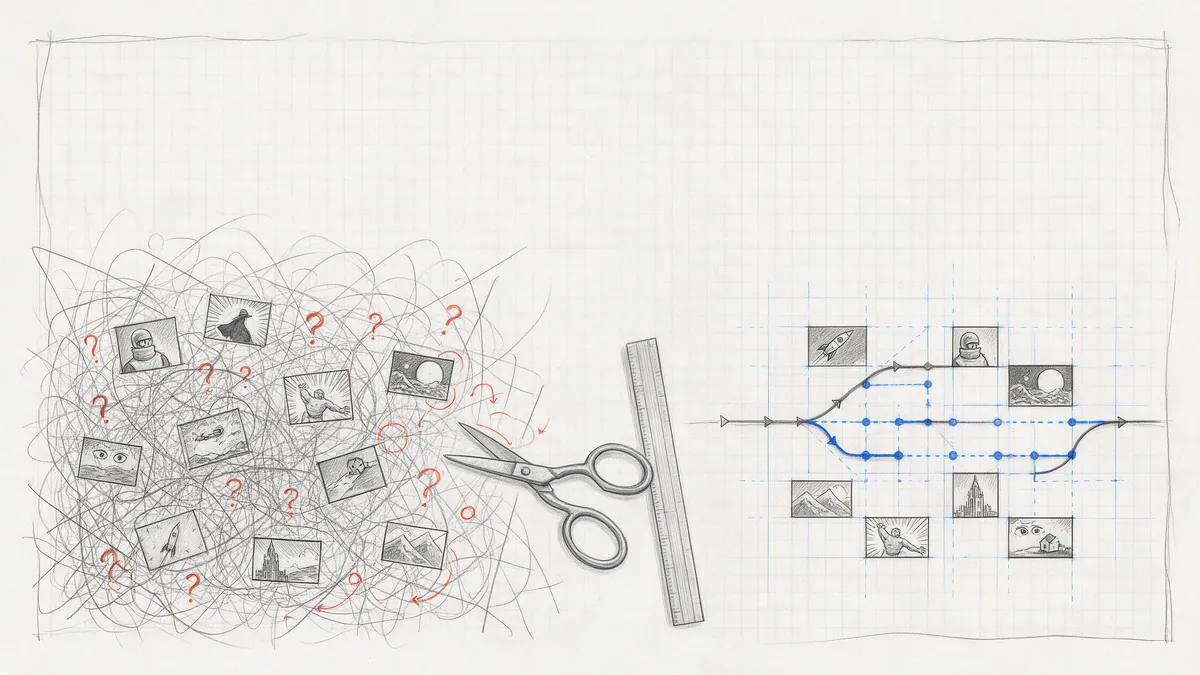
Branching Narratives Without the Spaghetti
Eight patterns for keeping a branching graphic novel maintainable in PanelWave: separate flow from state from content, build choices as a triad, converge early, carry consequences in variables, and test every path before readers find the one you missed.
Getting Started with PanelWave CMS
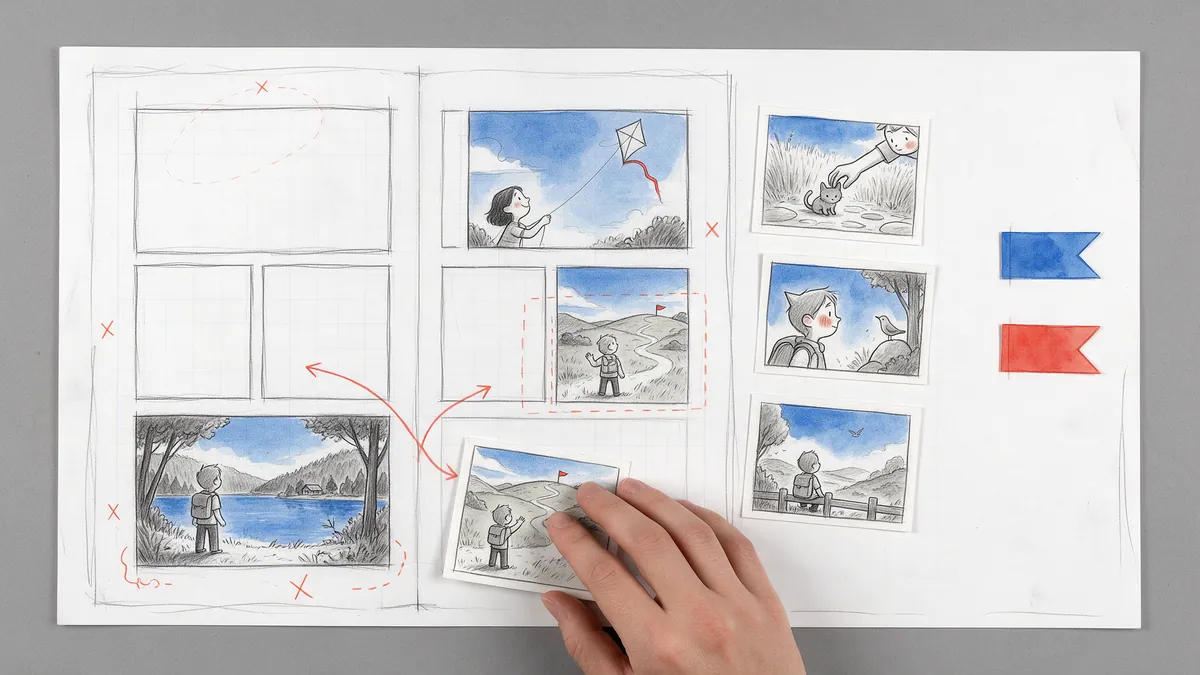
Create your first interactive graphic novel in under 30 minutes: set up a work, drop in your artwork, letter it with real comic balloons, add a choice, connect the story graph, translate it, and publish a shareable preview.
Accessibility by Default: What It Means for PanelWave
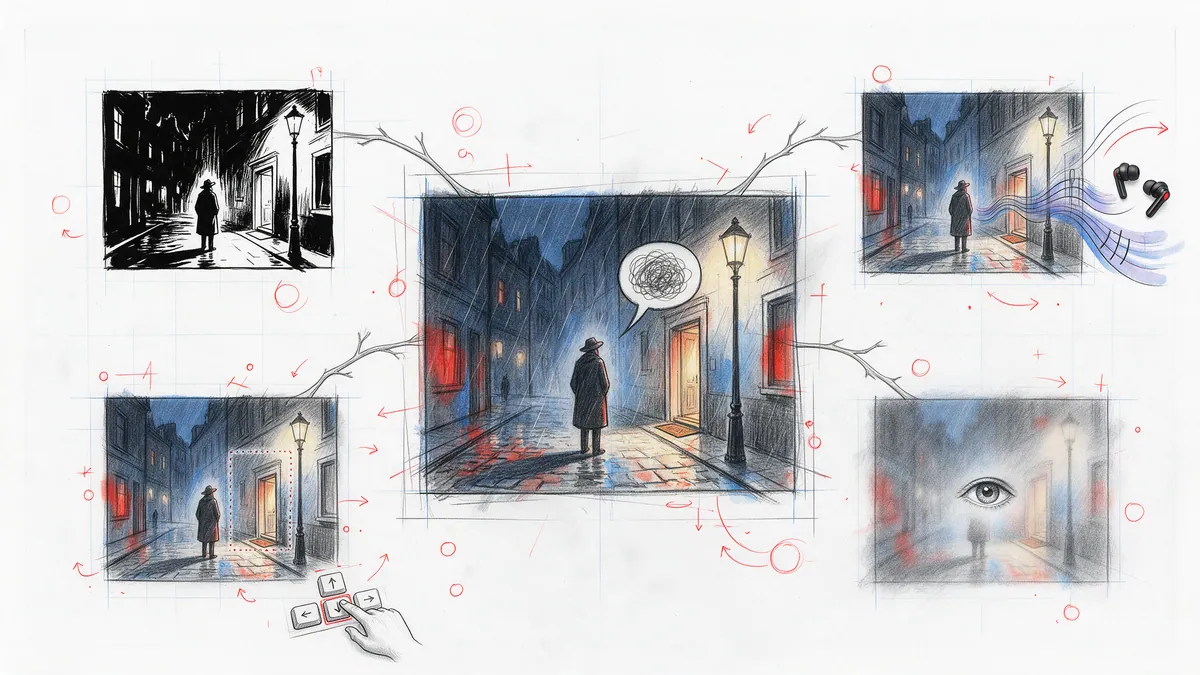
Keyboard navigation, screen readers, reduced motion, content warnings: why we built these into the format, the player and the CMS from day one instead of bolting them on, what a reader actually gets, what a creator has to do, and what is still open.
Designing the Graph Navigation Engine
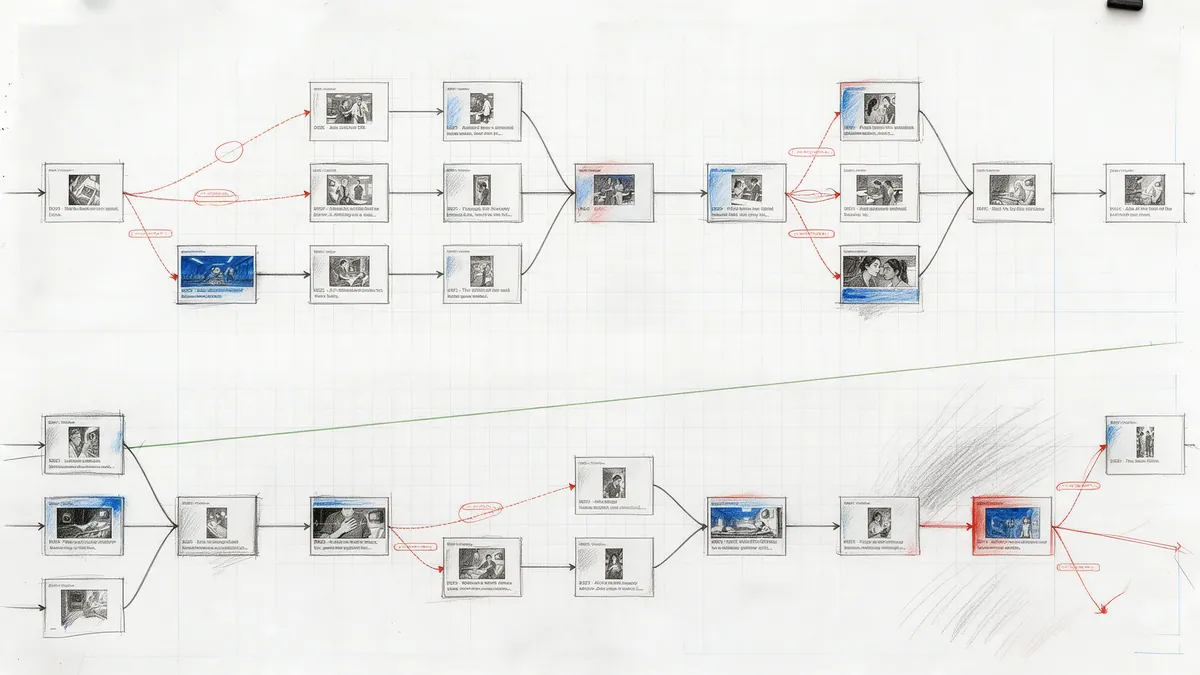
A look under the hood at how panels-as-nodes and edges-with-conditions work in the player's navigation layer: the flow engine, the flattened variable context, fail-closed JSON Logic, priorities, inherited transitions and camera moves, back-navigation, and the graph analysis the CMS reuses.
Why Graph-Based Navigation?
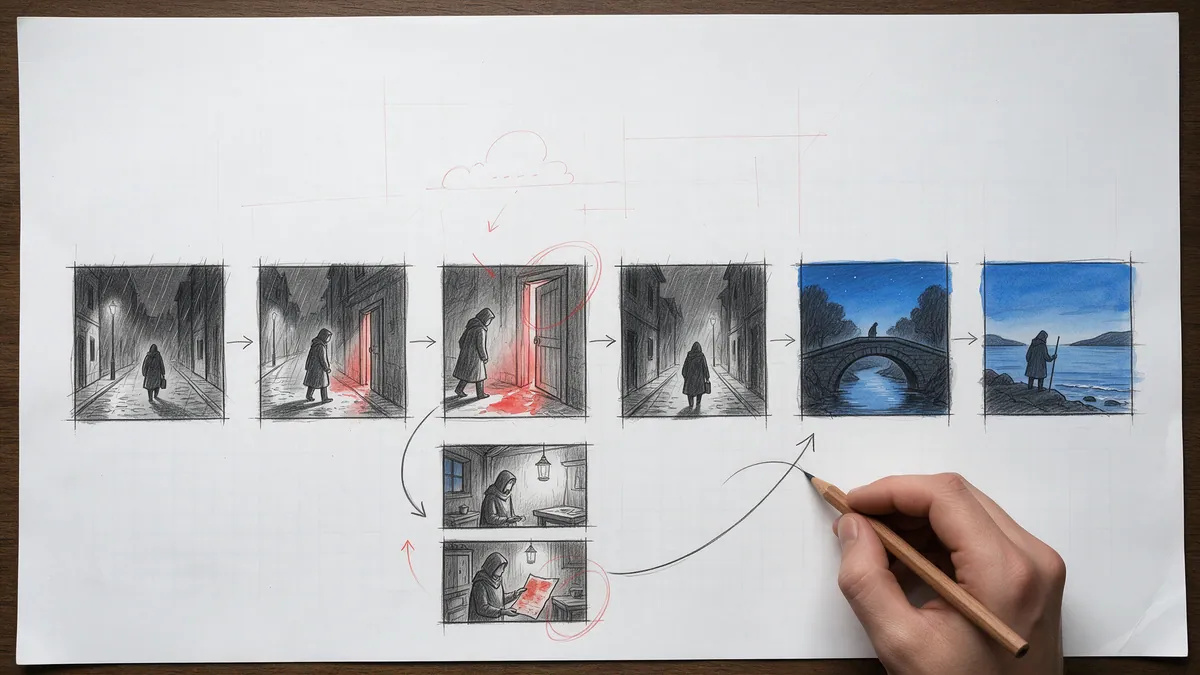
Every digital comic has to answer one question first: what decides which panel comes next? Print says the page order, motion comics say the timeline, PanelWave says a graph. Here is why that choice serves readers better than either alternative, and why it costs a linear story nothing.
Multilingual Publishing in 5 Steps
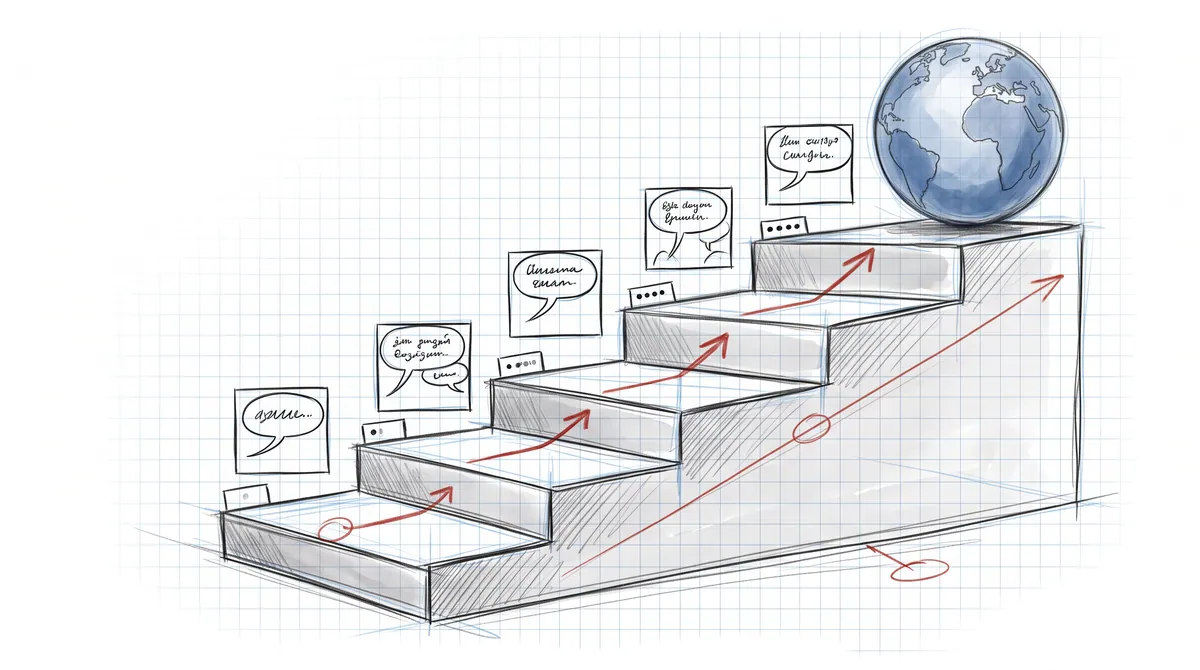
From source language to voice audio, a complete walkthrough of publishing one graphic novel in several languages with PanelWave: declare locales, extract and translate the text, exchange files with translators, localize artwork and audio, and check every language before you ship.
Why PanelWave Exists
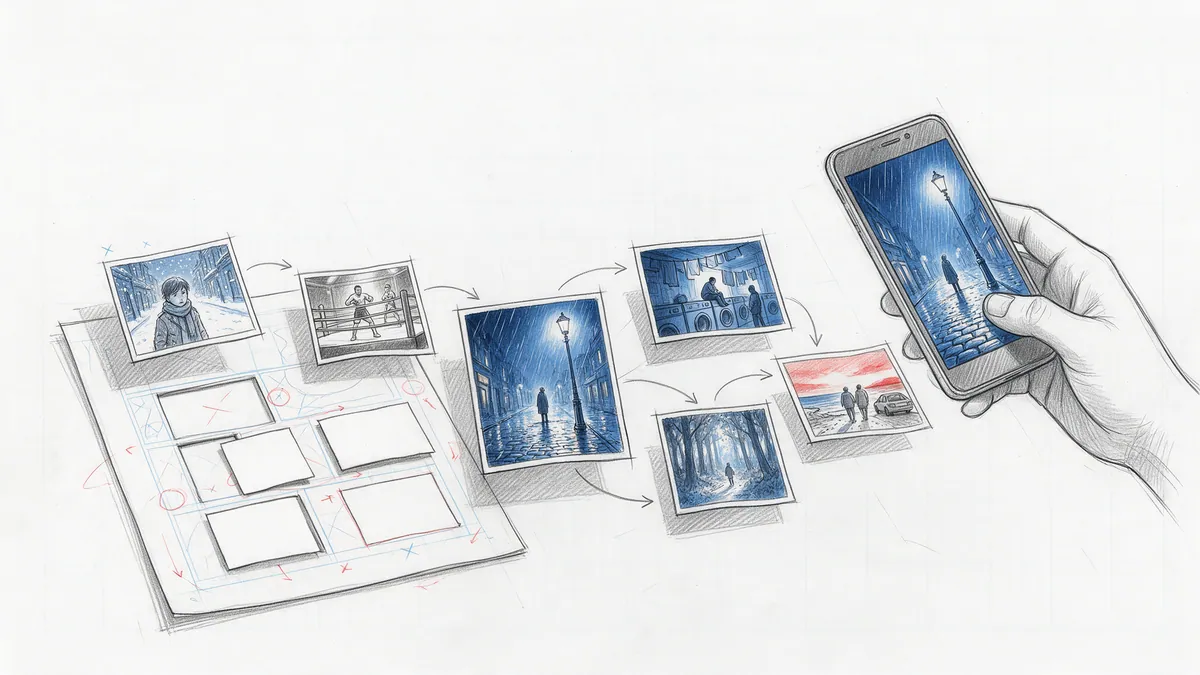
Digital comics have had two options for twenty years: shrink the printed page onto a phone, or turn the story into a video that takes the reader's hands off the wheel. PanelWave is the third path: an open format, an open-source player, and a studio for making interactive graphic novels. This is the first post, and it explains the shape of the thing and why it is built this way.
Get Posts Delivered to Your Inbox
Monthly digests of tutorials, updates, and spotlights.
No spam. Unsubscribe anytime.