
Lettering that knows where it is
Dynamic balloons: the right size, at the right moment
A balloon that suits a panel filling the screen is too small on a full page — and one that suits the page covers half the art in panel view. PanelWave letters every balloon for the view it appears in. In panel view it shrinks with the artwork and leaves the picture room; in page view it is lettered at one readable size, so it is relatively larger. On a video panel a line can wait for its speaker, and readers can switch balloons off to see the whole drawing.
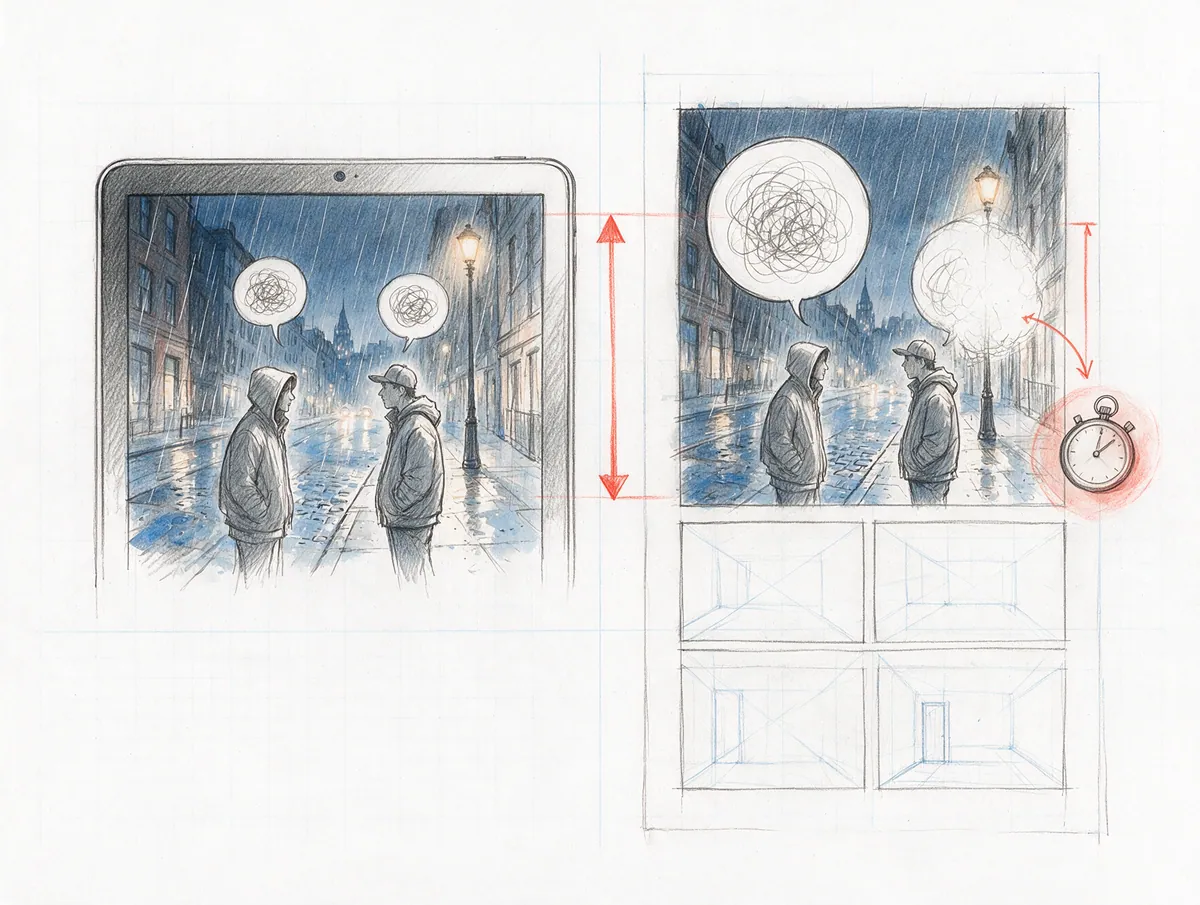
- views, each lettered to fit
- 2
- minimum lettering size
- 9 px
- button to hide all balloons
- 1
In detail
What you get
Panel view: room for the art
Page view: readable on the page
Never too small to read
Lines on cue
Balloons off, art on
One rule set, everywhere
{
  "id": "sb-12",
  "characterId": "jonas",
  "text": {
    "en-US": "Then we go tonight.",
    "de-DE": "Dann gehen wir heute Nacht."
  },
  "shape": { "x": 0.56, "y": 0.08, "w": 0.3, "h": 0.14 },
  "showAtMs": 2400
}What it means for you
For creators
Letter once. Your balloons work in panel view, on a full page and on a 4K screen — and a video scene plays like a dialogue, not a wall of text.
Apply as a Founding CreatorFor publishers
One lettering pass for every format and edition, from phone reading to the print PDF.
Request a publisher pilotFor readers
Text you can read on any screen, lines that arrive when they're spoken — and the full drawing whenever you want it.
See an exampleQuestions
Read the docs
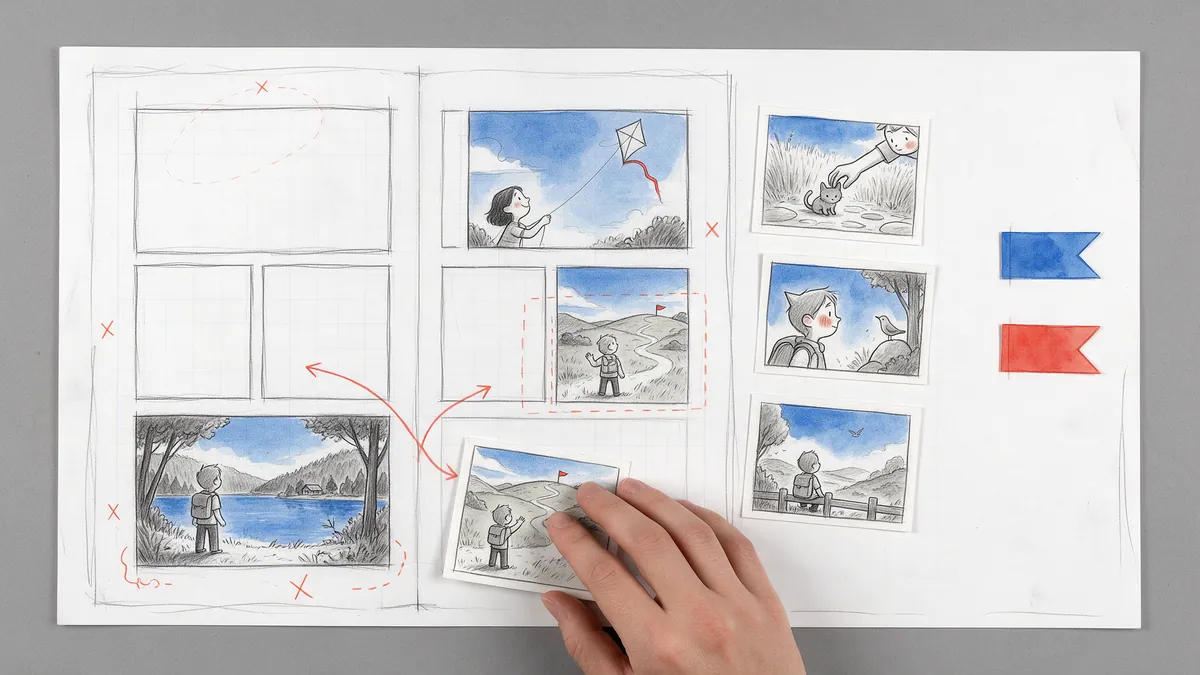
Every great story starts as a sketch.
Open the drawing board and start with your script, the smoothest way in, or with the art you already have: panel images, video clips or pages without lettering. Add balloons, shape the story, and see your first chapter running on a screen.