Skip to content
PanelWave
Feature 01of 08 · Made for screens

Why stick to an old print format?

Made for screens — not squeezed onto them

A printed page is a fixed rectangle: silent, still, one size. On a phone it becomes pinch-and-zoom. A screen can do more — lay the same panels out for every device, let a panel move, give a scene its sound, let readers tap and choose. PanelWave keeps the art and the pacing of the comic and adds what screens are good at.
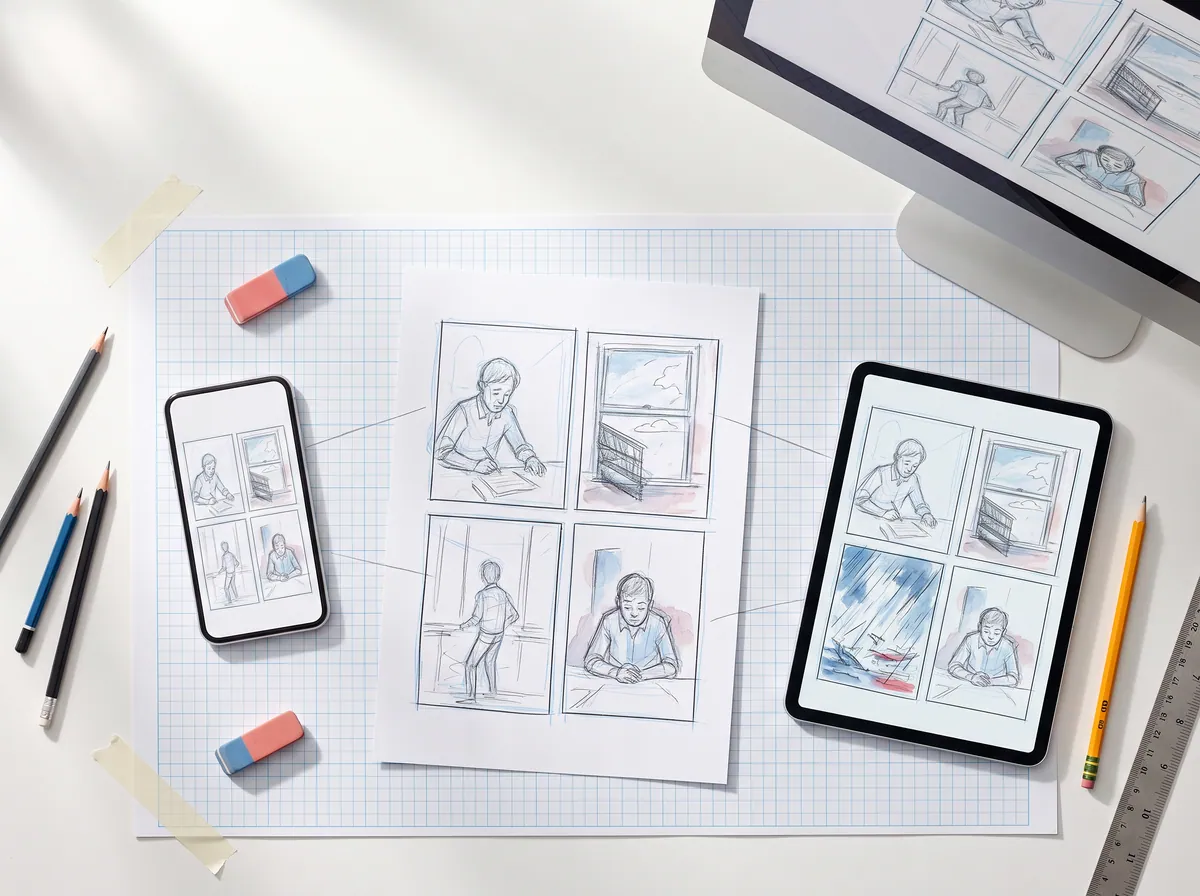
Top-down photo: a printed comic page, and beside it a phone, a tablet and a monitor showing the same panels re-arranged for each screen.
Fig. 1How it works
Fig. 1 — Made for screensSame artwork. On a screen it can reflow, move, sound and react — and still export to print.
output formats
11
panel transitions
7
audio buses
4
Parts listMade for screens

In detail

What you get

01

One work, eleven layouts

Phone portrait, tablet, desktop, big screen, square, flex landscape, A4 and US Letter (portrait and landscape) and 16:9 video. Each format gets its own page layout of the same panels — the reader picks the right one and re-picks when the device rotates.
02

Page view and panel view

Readers see the whole page as you composed it, or go panel by panel with transitions — cut, fade, slide, zoom, push, cover. On small screens a panel is cropped around the focus area you mark, not its middle.
03

Video panels

Single panels can move — rain, breath, a flickering light — while the rest of the page stays still. Loops, ping-pong or one-shot.
04

Sound that belongs to the panel

Ambience, music and sound effects start when a panel enters and carry across a scene. Readers switch audio and SFX on or off.
05

Tap, explore, choose

Hotspots open extras, reveal details, set a variable or jump to another panel. They pulse gently so readers find them — and work with the keyboard and screen readers.
06

Lettering that fits every screen

Balloons are stored relative to the artwork and lettered at the right size per format — larger on a big screen, smaller on a phone. What you letter is what readers get.
07

Camera moves on an infinite canvas

Place panels on an open 2D canvas and let the camera glide between them — from webtoon strips to sprawling maps. Distance between panels becomes time.
08

Print stays an option

A4 and US Letter page layouts live in the same work, and PDF, PowerPoint and video exports come from the same source. Print becomes one output — not the master.
Who gainsCreators · publishers · readers

What it means for you

For creators

Your finished art gets a version that's actually comfortable on a phone — plus motion and sound where your story needs them.

Apply as a Founding Creator

For publishers

One master for phone, web, big screen and print. No separate app, no re-production per channel.

Request a publisher pilot

For readers

No more pinch-and-zoom: the comic is laid out for your screen, and it can move, sound and react.

See an example
NotesQuestions & documentation

Questions

Read the docs

Every great story starts as a sketch.

Open the drawing board and start with your script, the smoothest way in, or with the art you already have: panel images, video clips or pages without lettering. Add balloons, shape the story, and see your first chapter running on a screen.