
A drawing that breathes
Video panels: your drawings, in motion
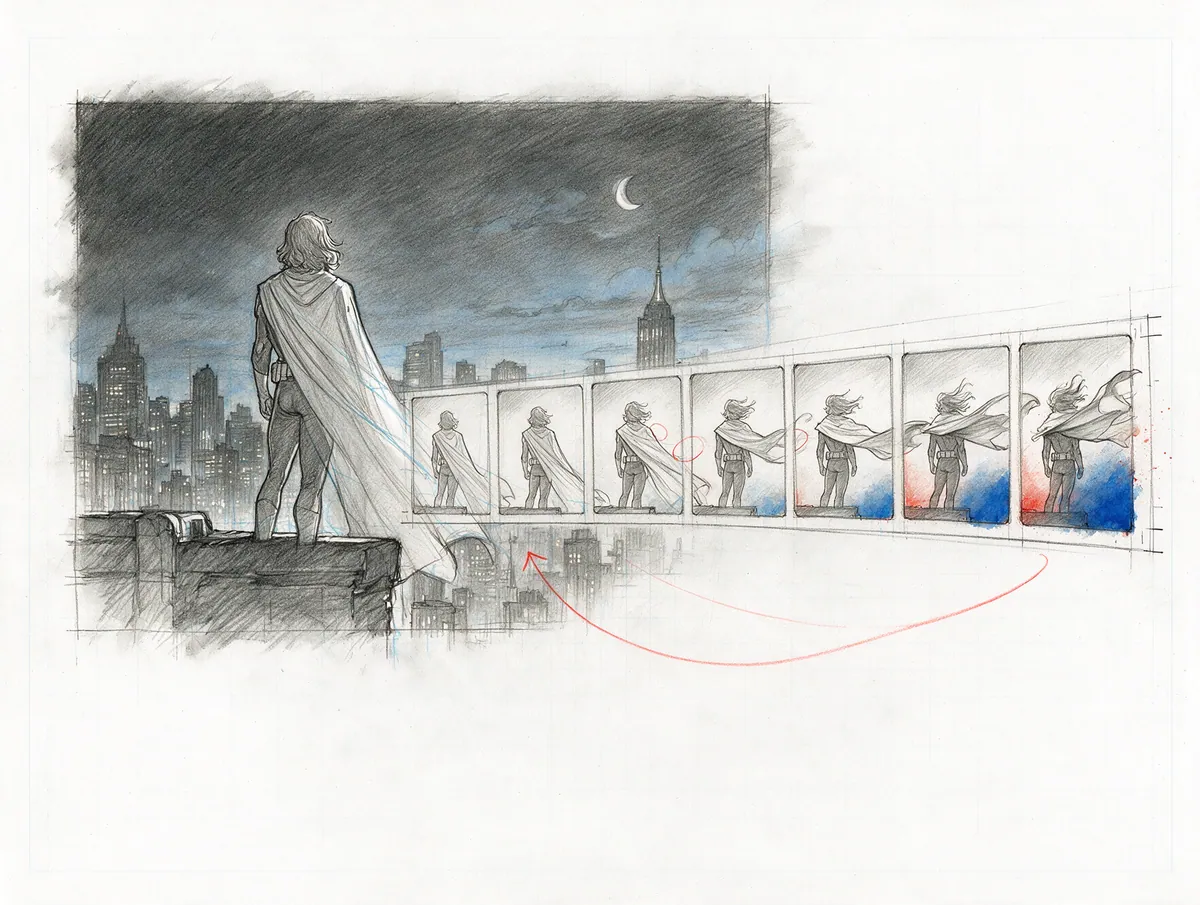
Animate a drawing with the AI video tool you already use — or with your own animation — drop the clip into a panel and choose how it plays. PanelWave makes the web version, the poster frame and the reversed copy for you. Only that panel moves; the rest of the page stays your comic.
- play modes
- 4
- start triggers
- 3
- poster + web version
- auto
In detail
What you get
Four ways to play
Three ways to start
Upload, done
Plays in reading order
Respectful by default
Per language, too
Workflow
- Step 01
Draw
Your panel, your style — pencil, ink, colour.
- Step 02
Animate
With an image-to-video AI tool, a hand-made loop or an After Effects export.
- Step 03
Drop it in
Drag the clip into the panel and pick play and start mode.
- Step 04
Publish
PanelWave transcodes, makes the poster and plays it in every format.
What it means for you
For creators
Add the one moment of motion your page needs — without becoming a filmmaker or animating everything.
Apply as a Founding CreatorFor publishers
Premium editions with motion where it matters, built from the same master as the print edition.
Request a publisher pilotFor readers
Rain that falls, a light that flickers — and you still turn the page when you're ready.
See an exampleQuestions
Read the docs
Every great story starts as a sketch.
Open the drawing board and start with your script, the smoothest way in, or with the art you already have: panel images, video clips or pages without lettering. Add balloons, shape the story, and see your first chapter running on a screen.