
You draw. The assistant does the paperwork.
AI agents via MCP: hand over the busywork
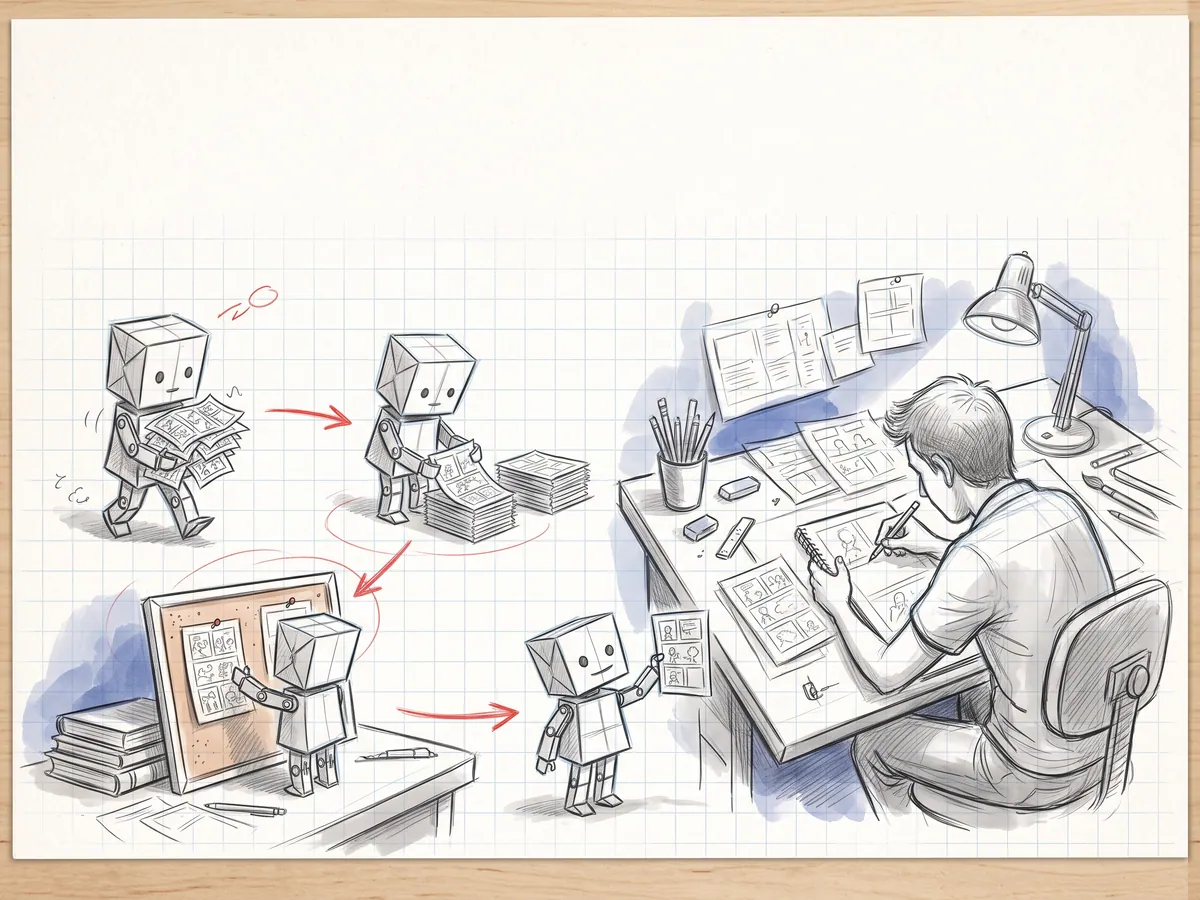
Uploading ninety pages, wiring panels, lettering dialogue from the script, drafting translations, running preflight — necessary, but not the reason you make comics. Connect Claude, ChatGPT, Cursor or any MCP client to PanelWave and hand that work to an assistant. It works as you, with your permissions, and asks before anything public or destructive. The artwork comes from you: you upload your pages, whether drawn by hand or made with your own image tools, and the assistant works only with what you upload.
- tools in 19 groups
- 81
- or personal token
- OAuth
- pixels drawn by AI
- 0
In detail
What you get
From script to work
Upload whole folders
Letter and translate
Check and share
Acts as you
Always asks first
Workflow
- Step 01
Connect
Add mcp.panelwave.org to your AI assistant and sign in. Clients without a sign-in (such as the local bridge) need an access token — create one under Profile → Connected apps & access tokens.
- Step 02
Ask
“Build chapter 3 from my script and upload the pages in /chapter-3.” Or: “Translate chapter 1 into German and send me a preview link.”
- Step 03
Review
Check the result in the editor: place the panels and balloons where they belong and point each balloon's tail at its speaker.
- Step 04
Decide
You publish — the assistant only suggests.
What it means for you
For creators
Spend your hours on drawing and storytelling — not on uploading and copy-pasting dialogue.
Apply as a Founding CreatorFor publishers
Faster production of backlist titles and language editions, with every step logged.
Request a publisher pilotQuestions
Read the docs
Every great story starts as a sketch.
Open the drawing board and start with your script, the smoothest way in, or with the art you already have: panel images, video clips or pages without lettering. Add balloons, shape the story, and see your first chapter running on a screen.