Product Updates
The PanelWave Player is Out
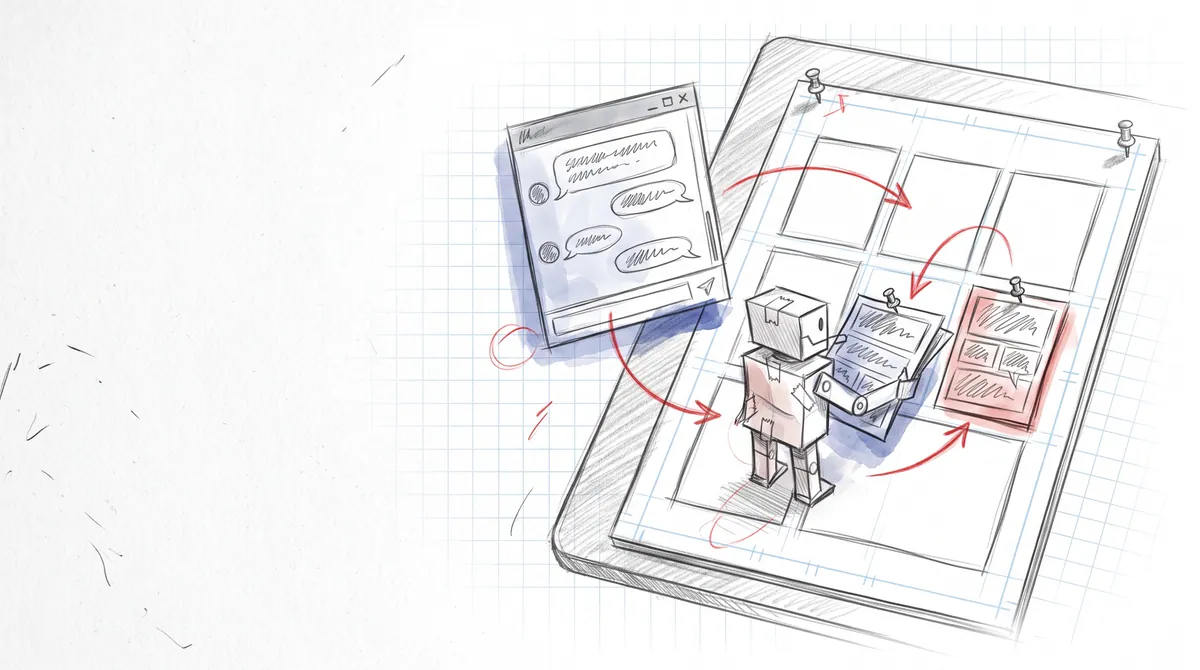
The MIT-licensed Angular player is on npm: graph navigation with real state, three view modes including the infinite canvas, video panels, the ComicBalloon renderer, live hotspots and variants, paywall rules with an age gate, consent-aware tracking, and a plugin sandbox. Here is what is in it, how to embed it, and what is still open.
The PanelWave Player is the open half of the ecosystem: an MIT-licensed Angular library (Angular 20, 21 and 22) that takes a PanelWave manifest and turns it into a reading experience, with navigation, localization, media, and reader controls included. It is on the public npm registry as @panelwave/player, currently at version 1.2.0: install it with npm install @panelwave/player. Every core feature phase is implemented, the unit suite is green, a Playwright end-to-end suite with axe-core accessibility checks runs across desktop and mobile browsers, and the player documentation describes the library as it actually behaves, including its rough edges.
The source lives at github.com/panelwave/player, and a live demo runs the sample stories in your browser. This post is a tour of what the player contains, a five-minute embed, the integration points hosts care about, what the next release adds, and an honest list of what is not finished. If you only want the API, go straight to Inputs and Outputs.
What the player renders
A work is a set of chapters whose panels are nodes in a directed graph. The player walks that graph, evaluating JSON Logic conditions on edges, and composites each panel from its layers: images with lazy loading and caching, video layers with play modes and start triggers, text and sandboxed plugin layers, and speech bubbles drawn by the ComicBalloon engine. Panels are read one at a time in panel view, composed into comic pages in page view, or traversed on a continuous plane in canvas view. Release 1.2.0 reads the PanelWave format up to version 1.6; the overview has the full feature table.
Navigation and state that actually branch
Branching is not a special mode. The flow engine collects the current panel's outgoing edges, evaluates their conditions against the variable store, and picks the highest-priority match; the variable changes an edge carries are applied when the reader takes it, and back-navigation restores both position and state. When several paths are open, the toolbar's Choices button lets the reader pick one, labelled with the edge's own text. Variables live in five scopes (global, chapter, page, session, persistent), are typed and validated on every write, and the persistent scope survives reloads through localStorage. Conditions fail closed: an evaluation error counts as false, and an edge without a condition is always traversable. The runtime mechanics are documented step by step in State, Conditions and Navigation, and the storage details in Saving Progress.
The manifest's variable definitions are wired into the store, so defaults, types, ranges and read-only flags apply from the first panel. And the settings modal has a Variables tab: definitions marked public appear with type-appropriate editors, so a creator can expose story switches to readers deliberately (Settings modal).
Three view modes, including the infinite canvas
Panel view and page view have been there since the first phases. Canvas view, added with format 1.4, places all of a chapter's panels on one world-space plane and glides a camera between them along the story graph, with direct, arc and authored waypoint paths and hold, pull-back or dive zoom profiles. Reader input interrupts a glide, like a map app. Only the panels near the camera are mounted, capped at twelve regardless of chapter size, and reveal modes keep secret branches veiled until the trail arrives. Navigation semantics do not change: next still asks the flow engine. Details in Canvas View and the format reference.
Video panels and a four-bus audio engine
Video layers support once, loop and ping-pong play modes, on-view and on-click start triggers, and page-view sequencing where the videos on a page play one after another in reading order. Autoplay is video-aware: it waits for a video to finish a full pass instead of running a wall clock, and a stall watchdog force-advances if a source never completes. At most one unmuted video plays at a time. The audio engine mixes four buses (ambient, music, voiceover, SFX) with independent volume and fades, and respects browser autoplay policy. See Audio, the video format reference, and Autoplay.
The ComicBalloon renderer
Speech bubbles are real comic balloons, drawn as SVG by a framework-free TypeScript class: text is measured, the body is a squircle (or a thought cloud, a shout burst, a dashed whisper, a sharp-cornered narrator box, cut-edge caption shapes, or a connector), the tail is integrated into the outline, and the result exposes cheap update calls. Ten balloon types, deterministic bumps and spikes, a hide-border effect for bubbles that merge with a panel edge, and open-licensed lettering fonts that ship with the package. Styling resolves through a cascade of work defaults, character override, named preset and per-bubble override. Because the CMS embeds this same renderer, what a creator letters is what readers see. Balloon Renderer explains the pipeline; Speech Bubbles is the manifest side.
Hotspots and panel variants, live
The hotspots a creator draws work in the player: rectangle, circle and polygon regions render as click targets with a gentle pulsing outline (off under reduced motion), and activating one runs its action: go to a panel with a transition, set variables, open extras at a specific item, show a localized modal, or hand the event to a plugin. Hotspots are keyboard-accessible and announce their labels to screen readers, and every click is reported as a tracking event with normalized coordinates, which is what powers the CMS click heatmap. Panel variants are resolved at runtime too: the first variant whose condition is truthy replaces the panel's content, re-evaluated whenever a variable changes, and the toolbar's Alt button cycles through alternatives where a work offers them. See Interactive hotspots and Variants.
Localization without a reload
Every reader-facing string is a LocalizedString keyed by BCP-47 locale, and assets can carry per-locale variants. The player resolves both through a fallback chain (exact locale, base language, the work's default, its base language, first available) and switches language instantly from the toolbar's language modal or the changeLocale method. The player's own chrome is translated separately via ngx-translate files your app serves; English and German ship with the package. Localization covers both layers and the chain.
Performance on slow networks and modest devices
Three mechanisms carry the load. A priority preload queue with bounded concurrency adapts to the Network Information API, drops to zero when the reader has data saver on, and warms the artwork of the current panel's outgoing edges. An LRU image cache decodes off the main thread with createImageBitmap under a 100 MB budget. And variant selection picks the smallest image rung that covers the actual display width per panel, per view mode and per zoom, quantized to 256-pixel steps and upgrade-only, so a phone reader downloads small WebP rungs while a zoomed-in 4K reader gets the full encode. Every component is OnPush. The whole machinery is on the Performance page.
Accessibility by default
Every toolbar button carries a translated aria-label and toggles expose aria-pressed. The viewport is a labelled region with keyboard activation, page-view panels are focusable, and hotspots sit in the tab order. Reduced motion is on when the operating system, the reader's own switch in the settings modal or the host's reducedMotion input asks for it: it disables transition animations and degrades on-view video to click-to-play. The Playwright suite runs axe-core checks as part of CI. See Accessibility.
Paywalls, tracking, and plugins
The player never processes payments. The manifest declares what is gated, per work, chapter, panel or extras block; the player evaluates those rules against an entitlement snapshot that your app passes in or that the player fetches from your endpoint once at startup. A reader who reaches locked content sees a paywall overlay with the rule's Buy and Subscribe options, free-preview panels stay open, and an in-player age gate covers age-rated content; the reader's choice is handed back to your app through the paywallAction output. For per-panel decisions from your own service there is also an entitlement adapter. Paywall and Entitlement explains which integration fits.
Tracking is consent-aware by design: nothing is recorded until consent is given when the manifest requires it, only whitelisted event types are kept, high-frequency events are debounced, and batches go to the endpoint the manifest names. Hosts can also ignore the service and forward the shell's outputs to their own analytics. See Tracking.
Plugins are ordinary web pages in sandboxed iframes that talk to the host over postMessage under a twelve-capability permission model, with lifecycle states and a documented protocol. Panels can also embed plugin content directly as a plugin layer for things like a 360-degree viewer. See Plugins.
Embed it in five minutes
The component you embed is the player shell. It is standalone, so there is no module to import: add provideHttpClient and a TranslateModule loader to your app config, include the balloon font stylesheet once, and point the shell at your manifest's URL (or fetch the JSON yourself and bind it as an object). A complete working example with a minimal valid manifest is on Quickstart: Embed.
<pw-player-shell
  [manifestUrl]="manifestUrl"
  [locale]="'en-US'"
  [showToolbar]="true"
  [entitlementSnapshot]="snapshot"
  (ready)="onReady()"
  (panelChange)="savePosition($event)"
  (paywallAction)="onPaywall($event)"
  (localeChange)="onLocale($event)">
</pw-player-shell>
From there the shell gives you everything a reader site needs: initialChapterId and initialPanelId to resume where a reader left off, panelChange (with the panel's id) and chapterChange to record progress and build deep links, navigationAttempt for interstitials, error for your own fallback UI, and setVariable and changeLocale as public methods. Inputs such as locale, autoplay and reduced motion apply live while the work is open. initialVariables seeds host-known facts through a privileged path that even read-only definitions accept. Readers can set a bookmark from the toolbar, and the work reopens there; an automatic "continue where you stopped" is deliberately the host's job, and Saving Progress contains a complete localStorage implementation you can paste. Manifest-driven defaults such as speech visibility, autoplay timing, typography presets and preload strategy are listed under Configuration.
What the next release adds
The next npm release is already merged, and it is what readers see today in the PanelWave reader at read.panelwave.org and in the CMS preview. The highlights:
Every item is documented with the note "from the release after 1.2.0" in the player documentation, so you can tell at a glance what your installed version does.
- Format 1.7. Chapters without graph edges simply follow their panel order, panels a reader has not unlocked arrive as locked placeholders from the server, hotspots can show their label as a button, so the options of a choice are visible even when the artwork does not paint them, and balloons can letter in any colour.
- Page view that fits the screen. The player picks the page layout the creator authored for the device, a phone layout on a phone and the big-screen layout on a 4K display, and switches when the window is resized. Lettering scales with the page and never drops below a readable size.
- A cover and a clear reading start. A work opens on its cover, then in page view; every page and panel gets its own shareable address, and at a decision Next asks the reader instead of choosing for them.
- Fullscreen, animations, and more. A fullscreen button, layer keyframe animations and camera moves inside a panel, several alternative covers, and stricter paywall handling, so a locked panel stays locked in page and canvas view too.
For contributors
If you want to work on the library itself, the docs have a contributor track: Architecture for workspace layout, state management and the manifest-to-render data flow; Core Services for the manifest, state, variable store, flow engine, hotspot action, image cache, preload, audio, video, tracking and entitlement services and how they interact; Components for the shell, viewport, layer renderers, overlays, modals and toolbar; and Development for setup, the Jasmine and Playwright suites, linting, and the production build.
What is still open
We would rather you read this here than discover it in a console log:
Each of these is tracked and documented at the point where you would meet it.
- Comments and sharing are UI only. The comments drawer and the share modal work for the reader, but storing comments is the host's job (Toolbar controls).
- Manga mode and high contrast are stored, not applied yet. The settings modal keeps the reader's choice, but the layout does not change with it.
- No automatic resume. The player restores the reader's bookmark, not the last panel read; continuing where a reader stopped belongs to the host, with a ready-made recipe in the docs.
Try it, embed it, break it
The demo application in the repository is the reference integration and can load any manifest from a URL, so a work published from the CMS as a preview link opens in it directly. If you build something with the player, or find a manifest it renders wrongly, the issue tracker and the format documentation are the two places to start. The format is open, the player is MIT, and the rendering you see in the CMS preview is this exact library.