
A wide panel on a narrow screen
Focus areas: wide panels, big on a phone
A wide panorama on a phone held upright becomes a thin strip: everything is there, and nothing is readable. In PanelWave you mark the part of a panel that matters — the faces, the hand on the door. On a phone, the player lets the rest go: it enlarges the panel until the focus area fills the screen and centres the crop on it. Tablets, desktops and print still show the whole drawing.
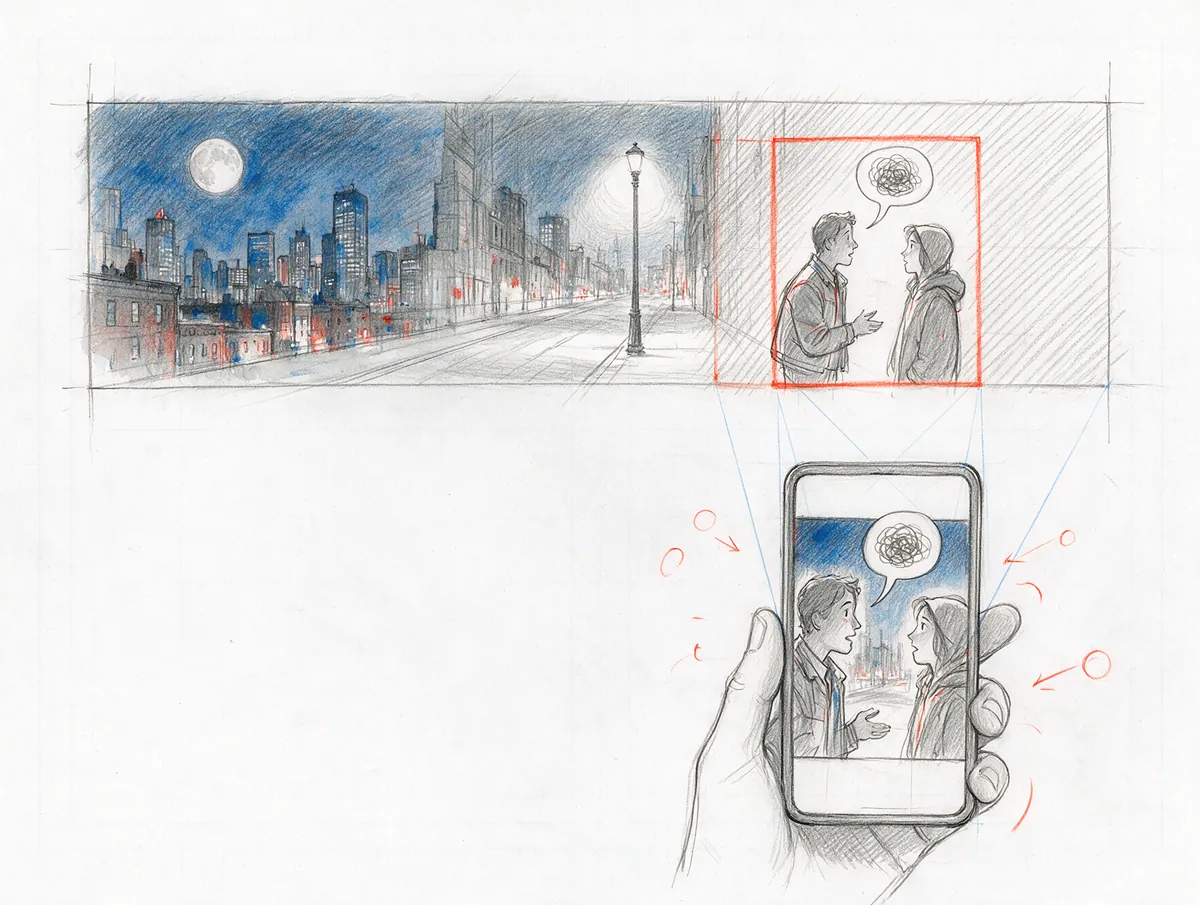
- focus area per format
- 1
- only phones crop
- < 768 px
- of the art on bigger screens
- 100%
In detail
What you get
Mark what matters
Bigger, not smaller
Centred on the story
All the art on bigger screens
Crops in page view, too
Balloons travel along
"formatViews": {
  "mobile-portrait": {
    "minimalFocusRect": { "x": 0.6, "y": 0.1, "w": 0.36, "h": 0.85 }
  }
}What it means for you
For creators
Draw wide when the scene wants it — phone readers still get the faces, not a postage stamp.
Apply as a Founding CreatorFor publishers
Landscape pages from your backlist that read well on a phone, without re-cropping every panel for a mobile edition.
Request a publisher pilotQuestions
Read the docs
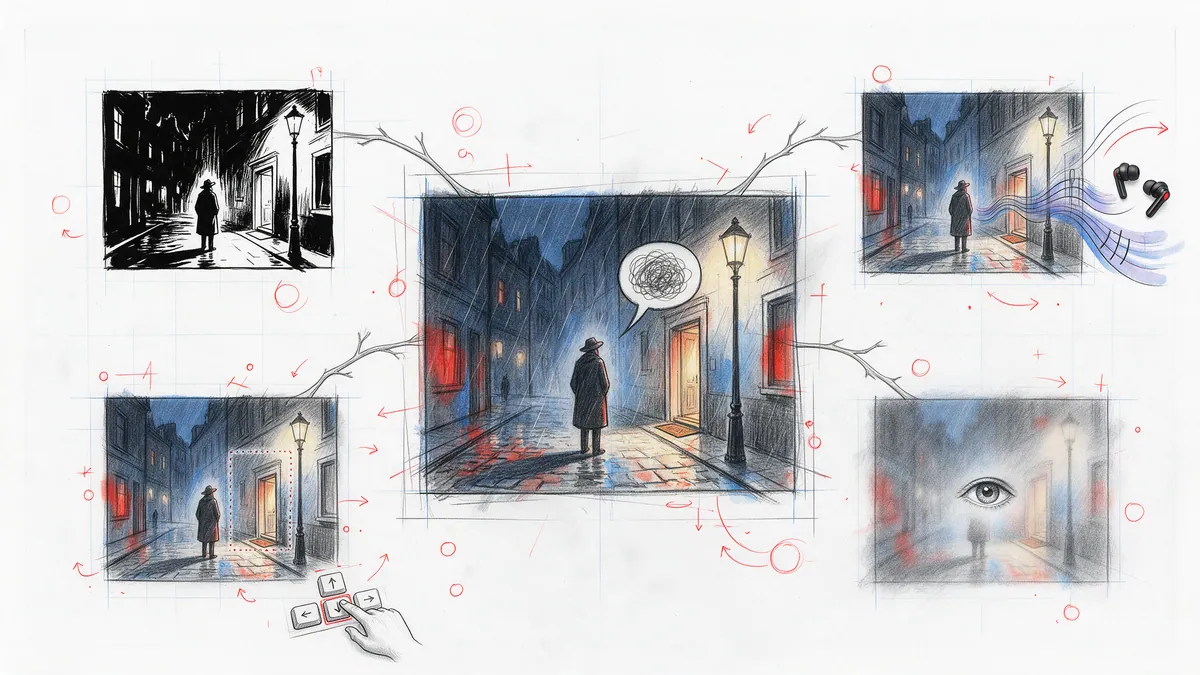
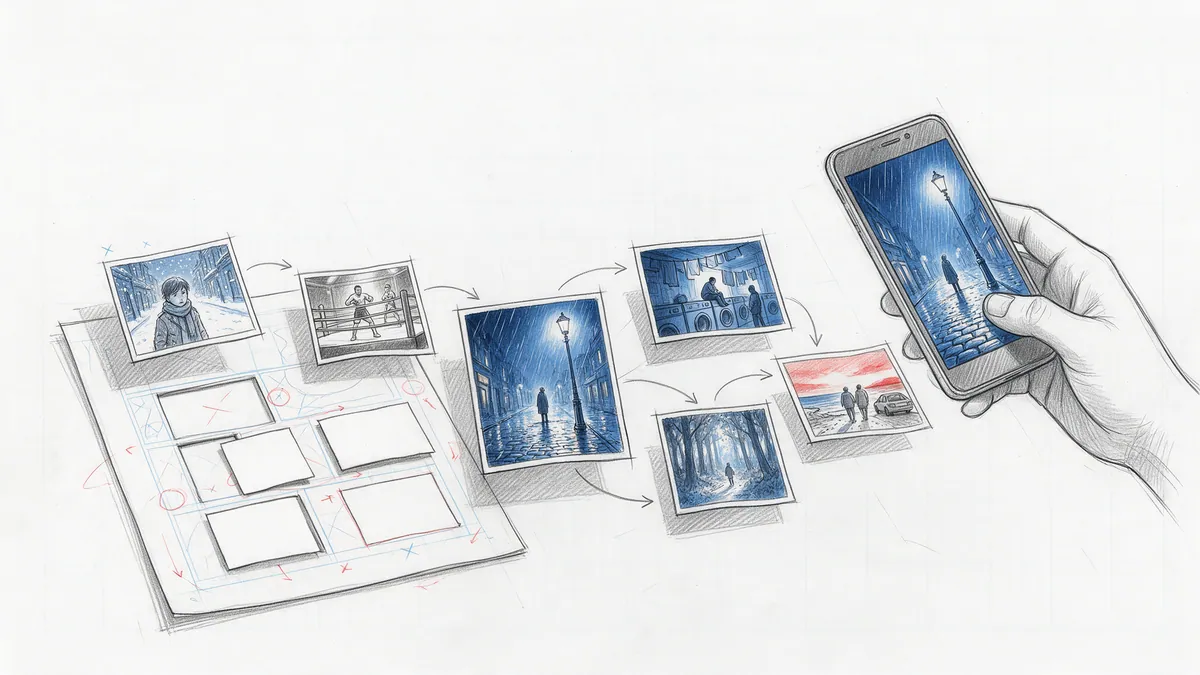
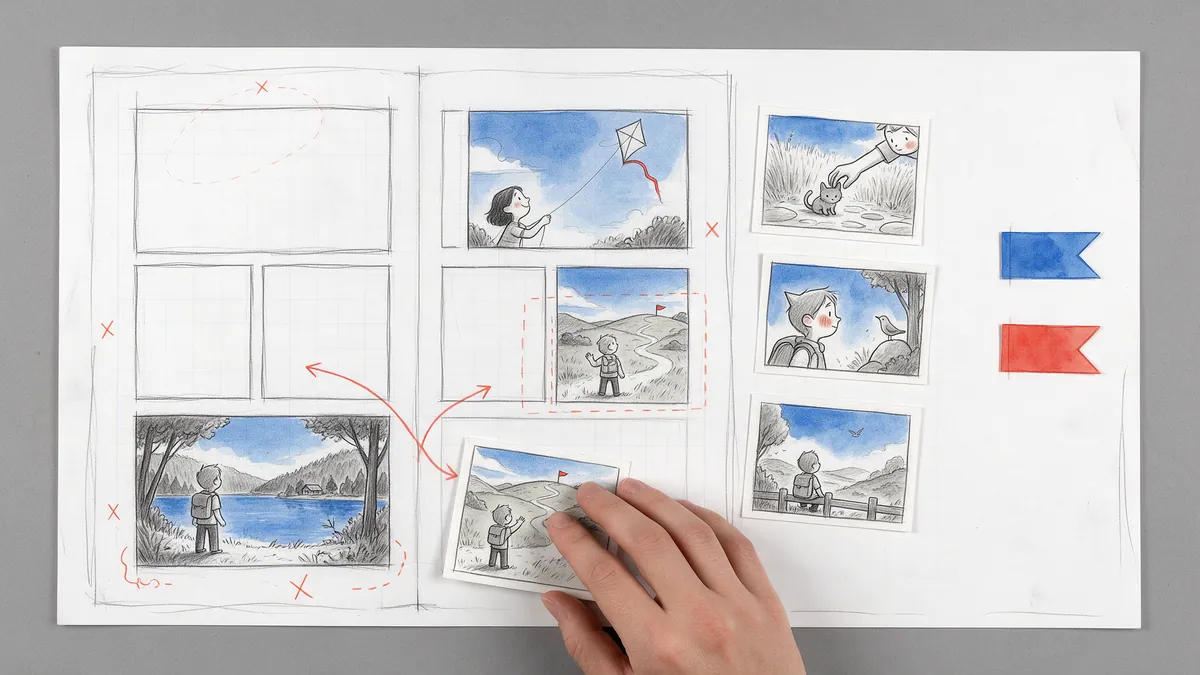
Every great story starts as a sketch.
Open the drawing board and start with your script, the smoothest way in, or with the art you already have: panel images, video clips or pages without lettering. Add balloons, shape the story, and see your first chapter running on a screen.