
Linear is perfect. Branching is possible.
Story graph: linear today, branching when you want
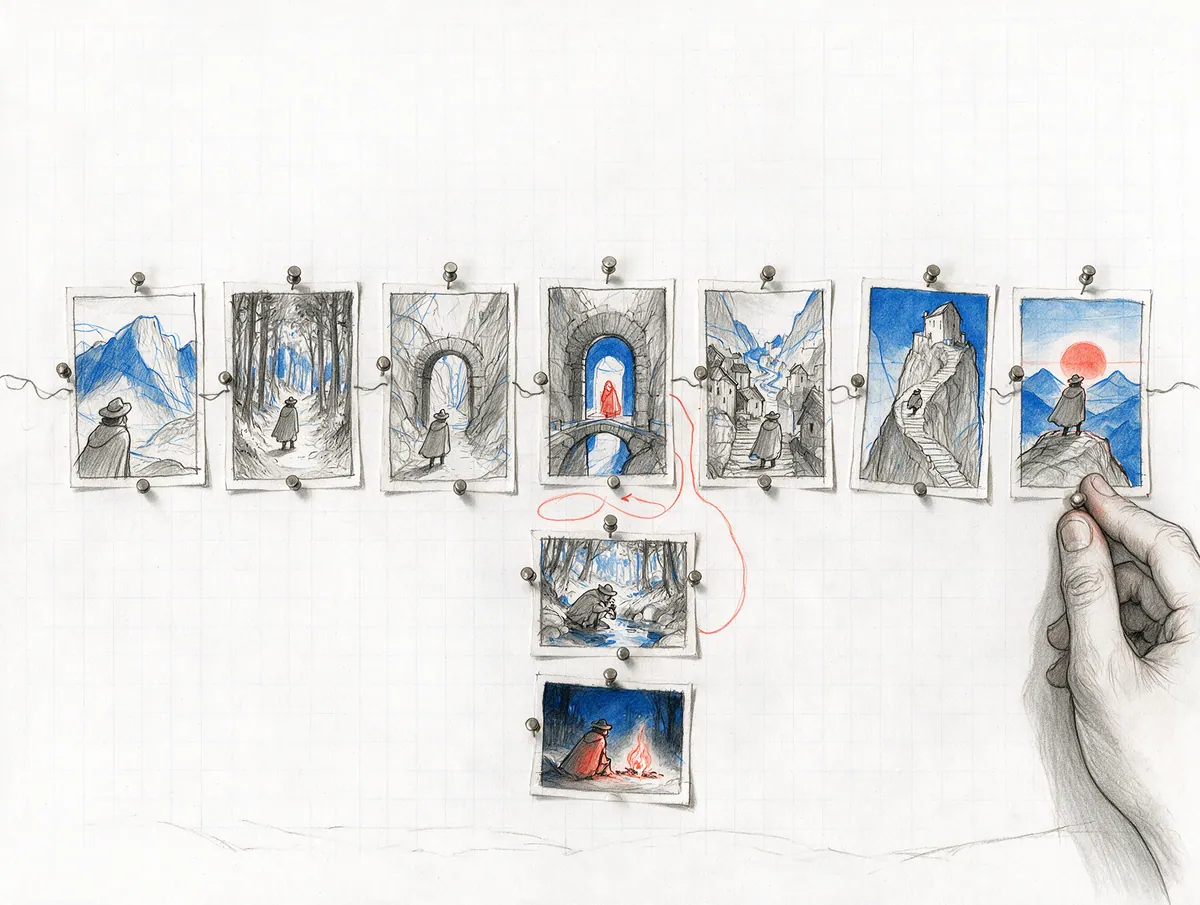
Most stories are linear — and most creators will start that way. In PanelWave that costs nothing: every chapter is a graph, and a linear comic is simply a chain of panels, wired automatically when you import a script or pages. When a story wants more, the same graph allows a choice, a detour that rejoins the main arc, or a different ending.
- graph per chapter
- 1
- variable scopes
- 5
- code needed
- 0
In detail
What you get
Linear by default
Choices without code
Detours that rejoin
Endings and memory
See every path
Learn where readers go
"graph": {
  "entry": "p1",
  "edges": [
    { "from": "p1", "to": "p2" },
    { "from": "p2", "to": "p3", "transition": { "type": "fade" } }
  ]
}What it means for you
For creators
Tell your linear story exactly as planned — and add an optional detour or ending later, if you ever want to.
Apply as a Founding CreatorFor publishers
Branching learning comics and interactive editions on the same tool as your regular titles.
Request a publisher pilotQuestions
Read the docs
Every great story starts as a sketch.
Open the drawing board and start with your script, the smoothest way in, or with the art you already have: panel images, video clips or pages without lettering. Add balloons, shape the story, and see your first chapter running on a screen.