
For comic artists, webtoon creators & graphic novelists
Your comic. Alive. Yours.
Make your graphic novel move, sound and speak every language. Your art stays the source, your work stays a file you own — and you keep 100% of what you earn. No code required.
What you want
Eight things creators want — and how you get them
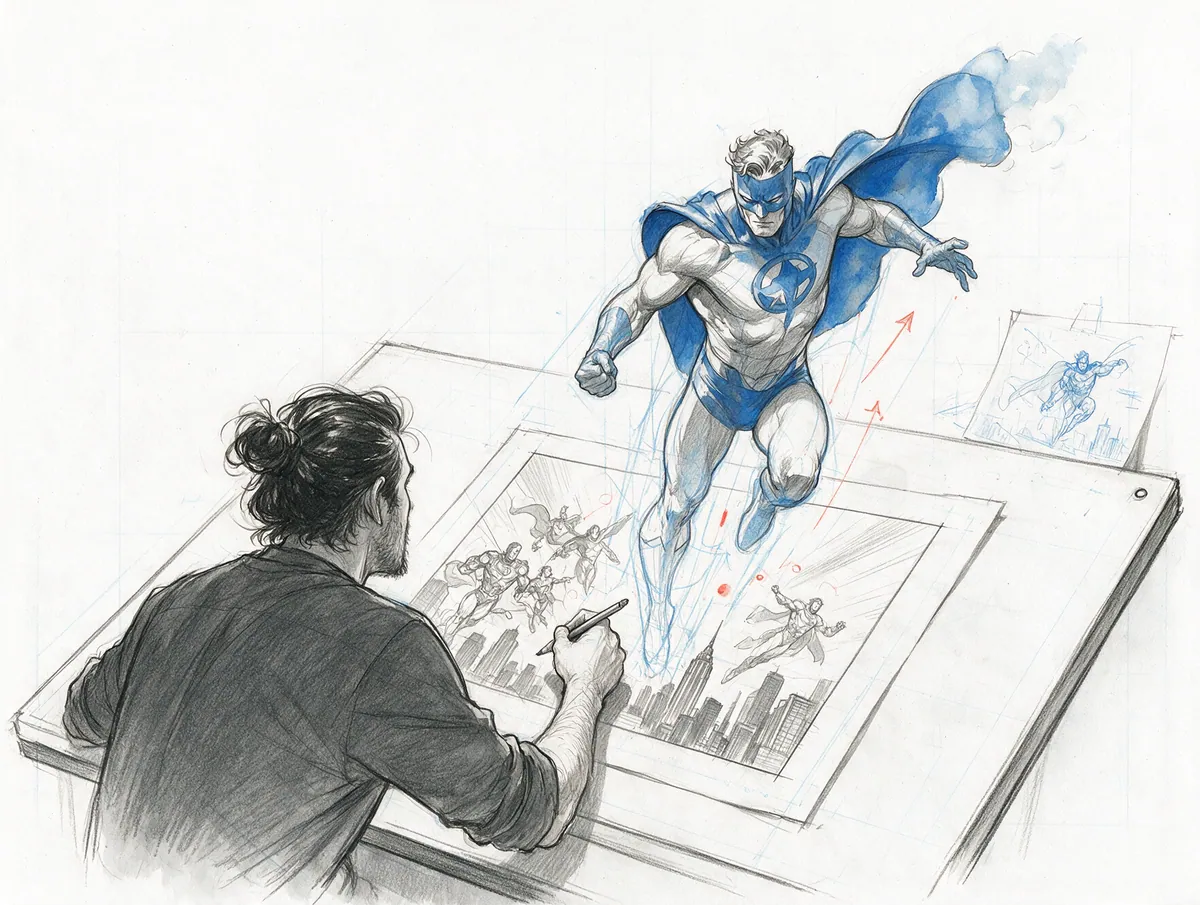
A drawing that breathes
One panel that moves can carry a whole page. Animate your key frame with the tool you like — PanelWave makes it behave like a panel.
A story that travels
Translation used to mean re-lettering every page. With live-text balloons it means a new string per line.
All in your browser
From idea to a published interactive graphic novel
- Step 01
Prepare your assets
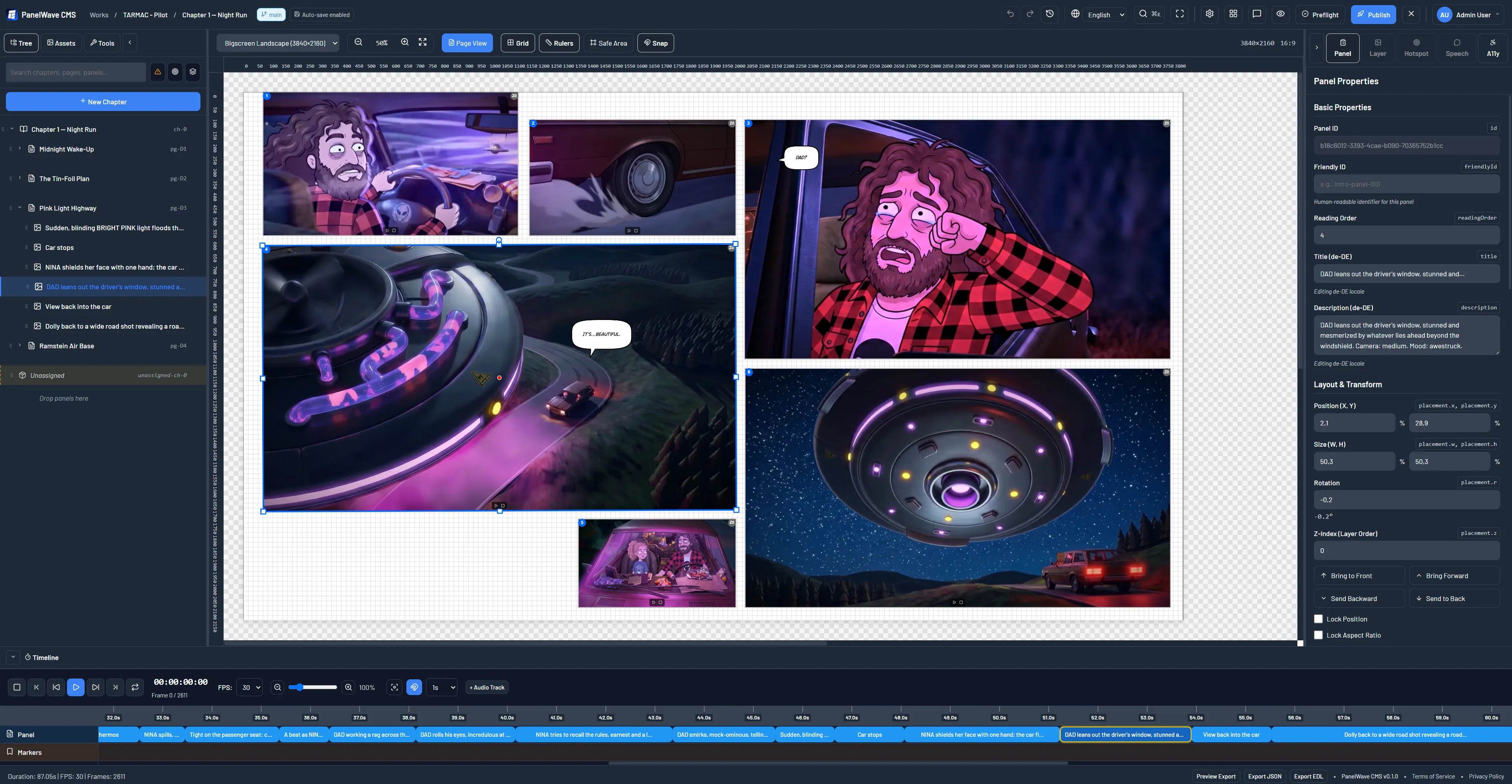
Drag art, audio and video into the library or straight onto the canvas. Responsive variants, posters and waveforms are automatic.
- Step 02
Compose panels
Layer backgrounds, characters and effects. Mark the focus area for small screens and set camera moves.
- Step 03
Letter & interact
Click to place a balloon and start typing. Draw hotspots that open extras, reveal details or let readers choose.
- Step 04
Lay out per screen
Arrange the same panels for phone, desktop, big screen or print — each format keeps its own pages.
- Step 05
Translate
Extract every string, draft with DeepL and approve, or swap XLIFF files with your translator.
- Step 06
Preview
Check every device frame in the real player — what you see is what readers get.
- Step 07
Publish
Preflight with one-click fixes, share a review link, then publish a reader link, embed or QR code.
A reading experience that respects the art
No app needed
Page or panel view
Their language
Sound on their terms
Accessible by default
A link to every panel
An invitation to shape a medium
Become one of the first 50
12 months of the Creator plan free, 1:1 onboarding with the founder, a place in the PanelWave Anthology Vol. 1 (digital and in print), a launch spotlight and a permanent numbered badge. The deal: publish one interactive work of 10+ panels by 31 December 2026, let us feature it, and tell us the truth in a 30-minute call.
8 Oct 2026
Studio beta opens for the first cohort
30 Nov 2026
Applications close — or earlier, once 50 places are filled
31 Dec 2026
Publish your first work to secure your Anthology place
Early 2027
PanelWave Anthology Vol. 1, digital and in print
Already invited? Open the studio ↗
Creator tips & updates
New features, creator spotlights and practical tips for interactive comics — 1–2 emails a month.
No spam. Unsubscribe anytime.
Your story deserves a living canvas.
Draw once. Publish everywhere. Let readers experience your world the way you imagine it.