
More than a drawing can hold
Extra content: worksheets, talks and web pages, right on the panel
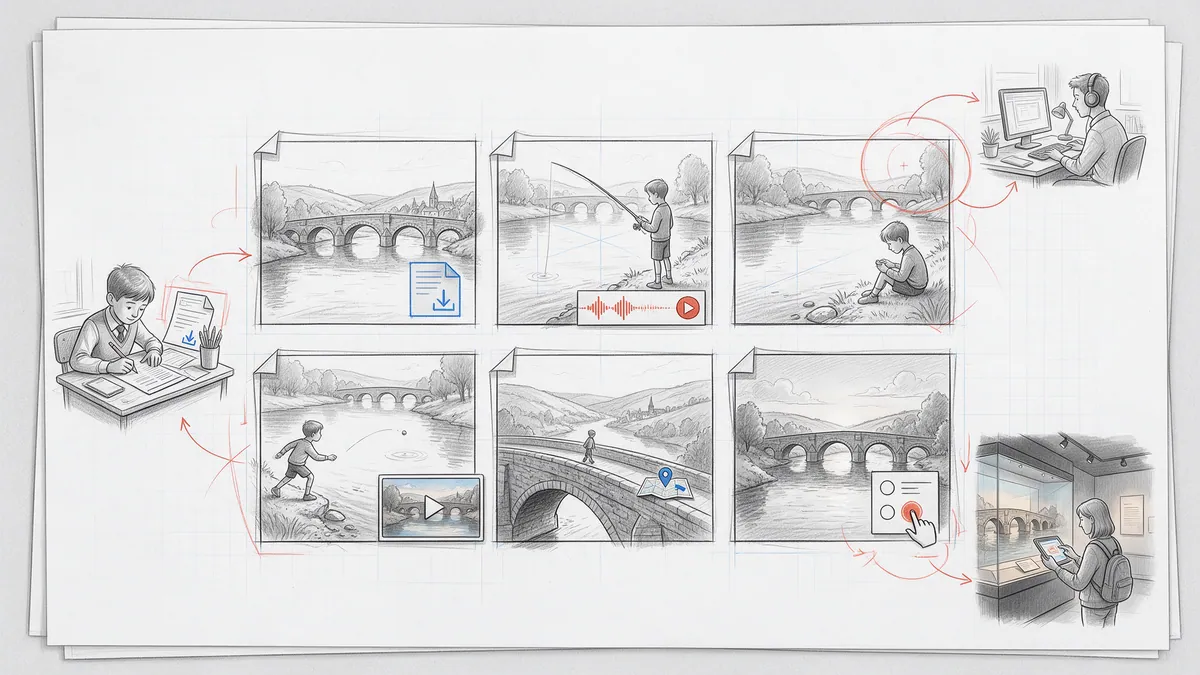
Some stories need more than art and balloons: a worksheet to print, an interview to listen to, a lecture video, a page of background, a map or a quiz from another website. In PanelWave these are layers on the panel — content widgets that readers use without leaving the story. Ideal for e-learning, B2B and non-fiction works, and for bonus material in any comic.
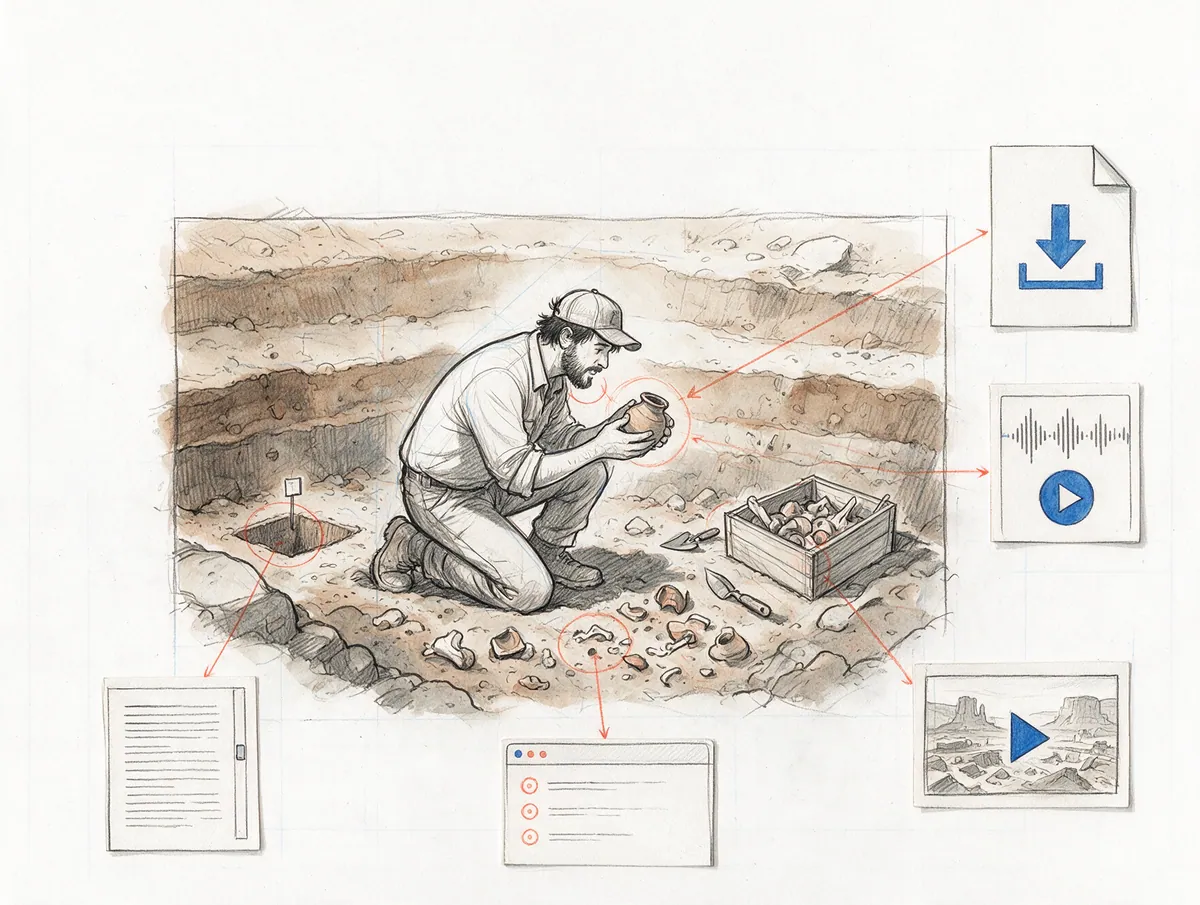
- content widgets
- 5
- theme for all of them
- 1
- cards in the printed PDF
- QR
In detail
What you get
Downloads
Longer texts
Audio player
Video in a window
Embedded web pages
One look for every widget
On paper, too
See what readers use
Workflow
- Step 01
Add
Right-click the panel → Add Content, or drag a document, audio file or video from your assets onto it.
- Step 02
Fill
Pick the file, write the text or paste the web address — in every language of the work.
- Step 03
Style
Set the widget theme once; every widget of the work follows.
- Step 04
Publish
Widgets work in the reader, in the preview, in self-hosted packages and — as QR cards — in print.
"layers": [
  { "id": "art", "kind": "image", "assetId": "img-lab" },
  {
    "id": "worksheet",
    "kind": "download",
    "assetId": "doc-worksheet-3",
    "x": 620, "y": 410, "width": 340, "height": 96,
    "fileName": { "en-US": "Worksheet 3.pdf", "de-DE": "Arbeitsblatt 3.pdf" },
    "description": { "en-US": "Print and fill in", "de-DE": "Ausdrucken und ausfüllen" }
  }
]What it means for you
For creators
Bonus material where it belongs: the making-of commentary on the panel it talks about, the sketchbook PDF on the last page.
Apply as a Founding CreatorFor publishers
Learning comics, product training and onboarding stories with worksheets, videos and quizzes on the page — one work instead of a comic plus a course platform.
Request a publisher pilotFor readers
Listen, download, read on — without leaving the story or hunting for a link.
See an exampleQuestions
Read the docs
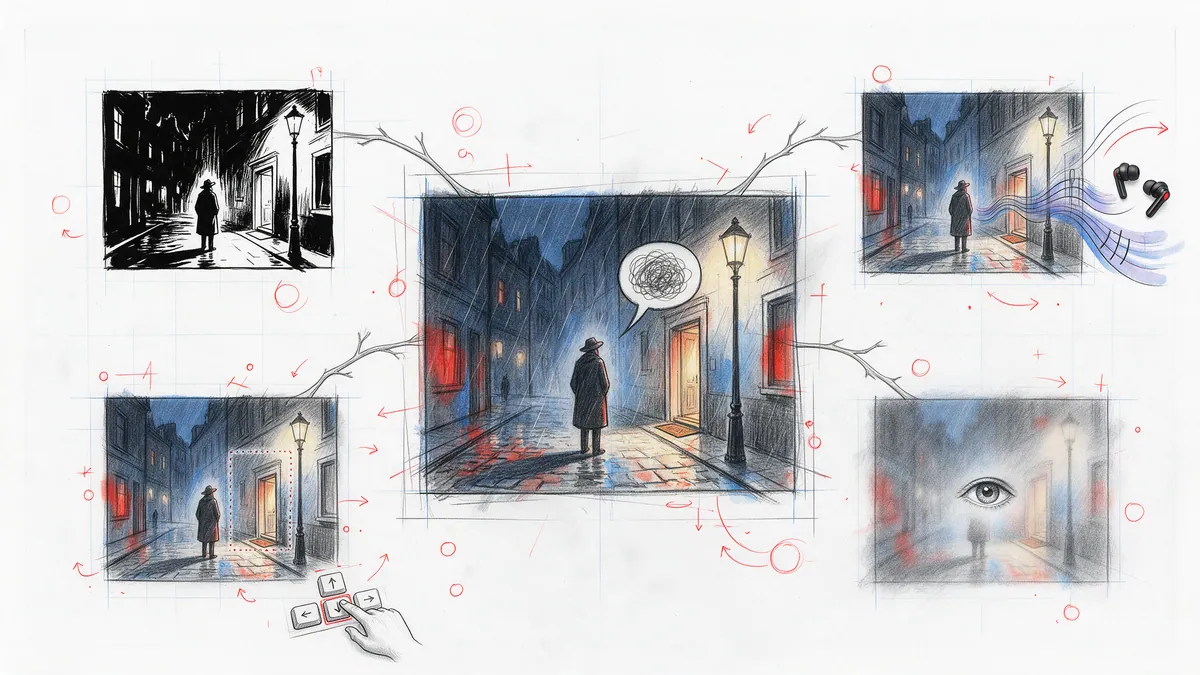
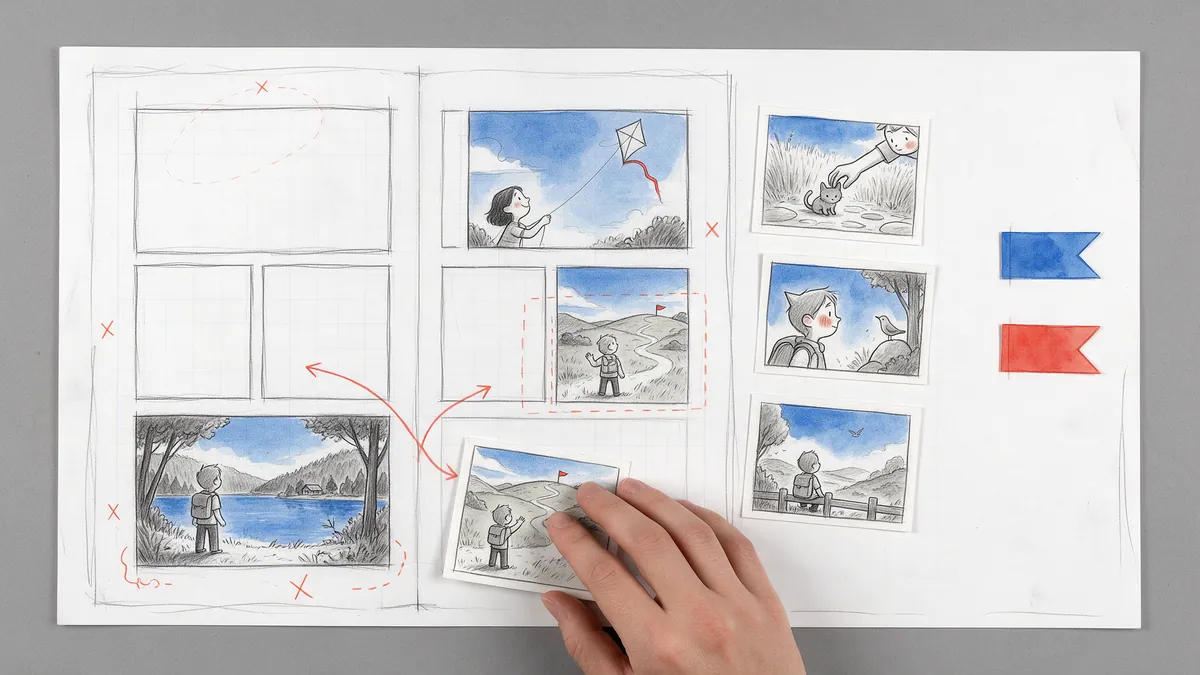
Every great story starts as a sketch.
Open the drawing board and start with your script, the smoothest way in, or with the art you already have: panel images, video clips or pages without lettering. Add balloons, shape the story, and see your first chapter running on a screen.